
Backgrounds for Client-Facing Roles


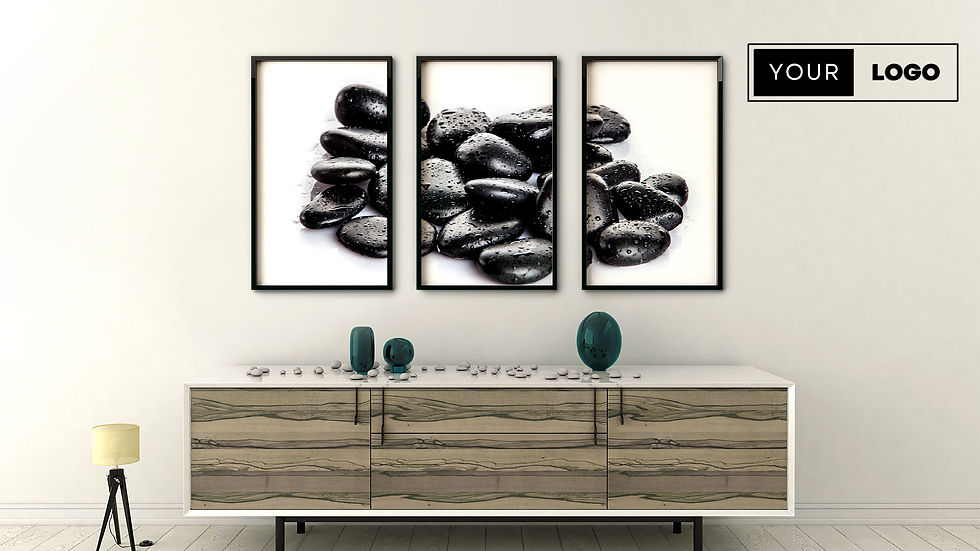


At Custom Virtual Office, we specialize in creating high-quality virtual backgrounds for client-facing roles—designed to make every meeting feel like a confident, credible interaction.
Why Virtual Backgrounds For Zoom Matter in Client-Facing Roles & Meetings
When you meet with clients, first impressions can shape the trajectory of the relationship. Your digital environment sends signals—about how prepared you are, how professional your team is, and how much you value the conversation.
In a client-facing role, a strong virtual background:
Demonstrates professionalism, even when working from home
Reduces distractions, keeping the focus on the conversation
Creates visual consistency for brand trust and recognition
Builds client confidence, especially in high-stakes or high-value engagements
Whether you’re giving a presentation, onboarding a new client, or hosting a review call, a thoughtful realistic zoom virtual background ensures your environment matches the quality of your service.
Best Types of Background Styles for Client-Facing Roles
The most effective backgrounds for client meetings are polished, neutral, and aligned with your brand’s tone. At Custom Virtual Office, we offer a variety of tailored styles that work across industries and use cases. Top virtual background styles for client-facing professionals include:
Modern Corporate Office: Clean lines, glass partitions, and subtle textures—great for finance, law, or enterprise services
Tech-Forward Workspace: Sleek design with minimal clutter—ideal for SaaS, consulting, and product demos
Creative Professional Studio: Tasteful art, warm lighting, and thoughtful décor—perfect for marketing, design, or media professionals
Neutral Executive Environment: Soft tones, simple furnishings, and ambient lighting that project leadership and clarity
Each background is designed to frame you clearly on screen, adapt to different lighting conditions, and provide a natural sense of depth and space—without visual distractions.
Benefits of Branded Virtual Backgrounds for Client-Facing Roles
A well-designed virtual background does more than just clean up your screen—it can actively reinforce your company’s brand during every touchpoint. For professionals in client-facing roles, branded backgrounds provide unique advantages:
Subtle reinforcement of your company identity in meetings, presentations, and webinars
Professional consistency across team members, no matter where they work
Trust-building by presenting a united and well-organized front
Increased brand recall, especially helpful during pitches or sales cycles
Branded backgrounds also show your clients that your organization values detail, polish, and professionalism—qualities they’ll associate with your service or product.
Logo Customization for Your Virtual Background
Adding your company logo to your virtual background is a simple but impactful way to enhance your client-facing presentation. At Custom Virtual Office, we offer logo customization options to fit your brand and preferred aesthetic.
Whether you want to reinforce your startup identity or present a polished enterprise look, our designers can integrate your logo in a way that feels intentional and professional—never overpowering.
How to Get Started With Your Custom Background for Client-Facing Roles
Getting a custom virtual background is quick, easy, and tailored to your workflow. Here’s how to start:
Log in or Create an Account
Sign in or create an account on our website to get started.Browse Backgrounds
Visit our Backgrounds Page to explore our selection of virtual backgrounds.Select and Add to Cart
Choose your preferred background and click "Add to Cart."Complete Your Purchase
Once you've completed your payment, click the "Download Your Background" button at the top of the page.Upload Your Logo
On the download page, upload your logo by selecting it from your computer using the "Choose File" button.Process Your Custom Background
Click "Process Package" and wait while we create your personalized virtual background.Download Your Custom Background
Once your background is ready, click "Download All" to save it to your computer.Upload to Your Video Conference Platform
Follow our detailed instructions for your specific video conferencing platform by selecting one of the guides below:
At Custom Virtual Office, we make it easy to show up with confidence, clarity, and brand consistency. Whether you work in sales, consulting, customer success, or executive leadership, the right virtual background can make a lasting impression on your clients.
Elevate your presence. Build trust with every call.


